How to Use Gillby With AI Apps: Connect, Ask, Plan
One URL. No API key. Then ask the assistant you already use about your water.

THE SHORT ANSWER
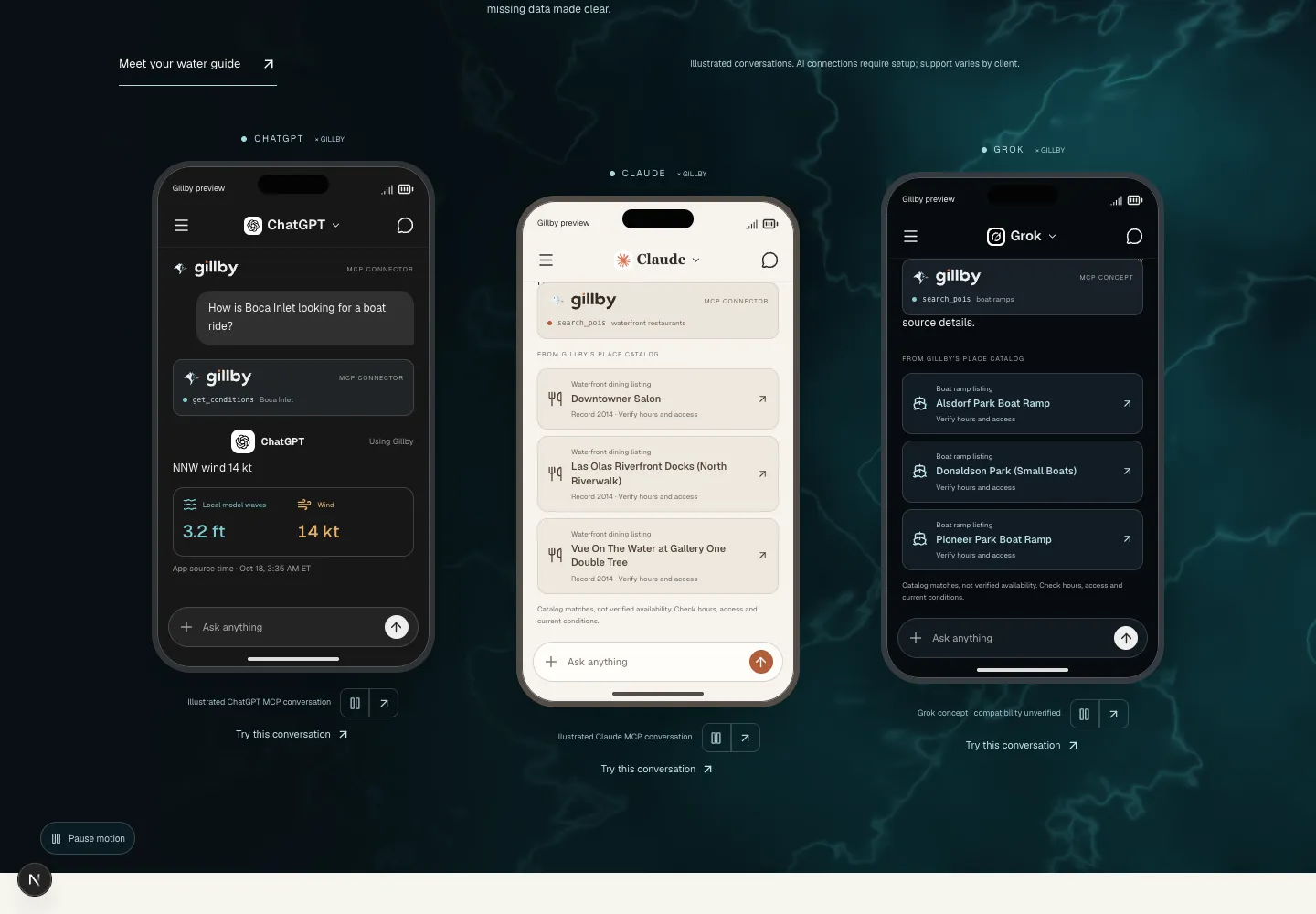
To use Gillby with an AI app, copy the Gillby MCP server URL from the connection guide, add it as a custom connector in ChatGPT, Claude or another MCP app, and turn it on in a chat. No API key or login is needed for public water data. Then ask about your spot.
AT A GLANCE
- One server URL ending in /mcp.
- No API key for public water data.
- Name the place, the activity and the time.
- Look for the Gillby tool call to know it answered.
How do you add Gillby?
Open the connection guide, pick your assistant and copy the server URL that ends in /mcp. Paste it into your assistant’s custom connector settings, name it Gillby, and pick Streamable HTTP if it asks.
Public water data needs no Gillby login and no API key. Your saved boat, places and trips stay private until you sign in and say yes.
What should you ask?
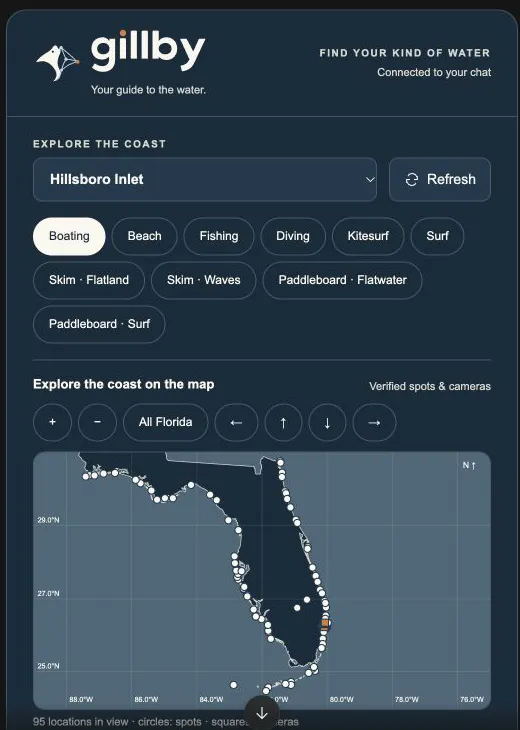
Ask like you would ask a friend at the ramp. Name the place, the activity and the time. Ask for source times and anything that is missing.
Use Gillby to check Boca Inlet for a 7 AM departure tomorrow. Include source times and anything that is unavailable.
Use Gillby to compare Deerfield Beach and Pompano Beach for a surf session tomorrow morning.
Use Gillby to plan a sandbar afternoon near Boca. When is the water over the bar highest?
How do you know Gillby answered?
A working connection shows a Gillby tool call. A smooth answer with no tool call is the assistant guessing. If you do not see the call, turn Gillby on for that conversation.
Some apps show a live coastal panel. Others return text. Both mean it is working.
Keep going
Ask follow-ups. Which buoy is that? What changes by noon? What about the ride home? Or ask Gillby right in the app.
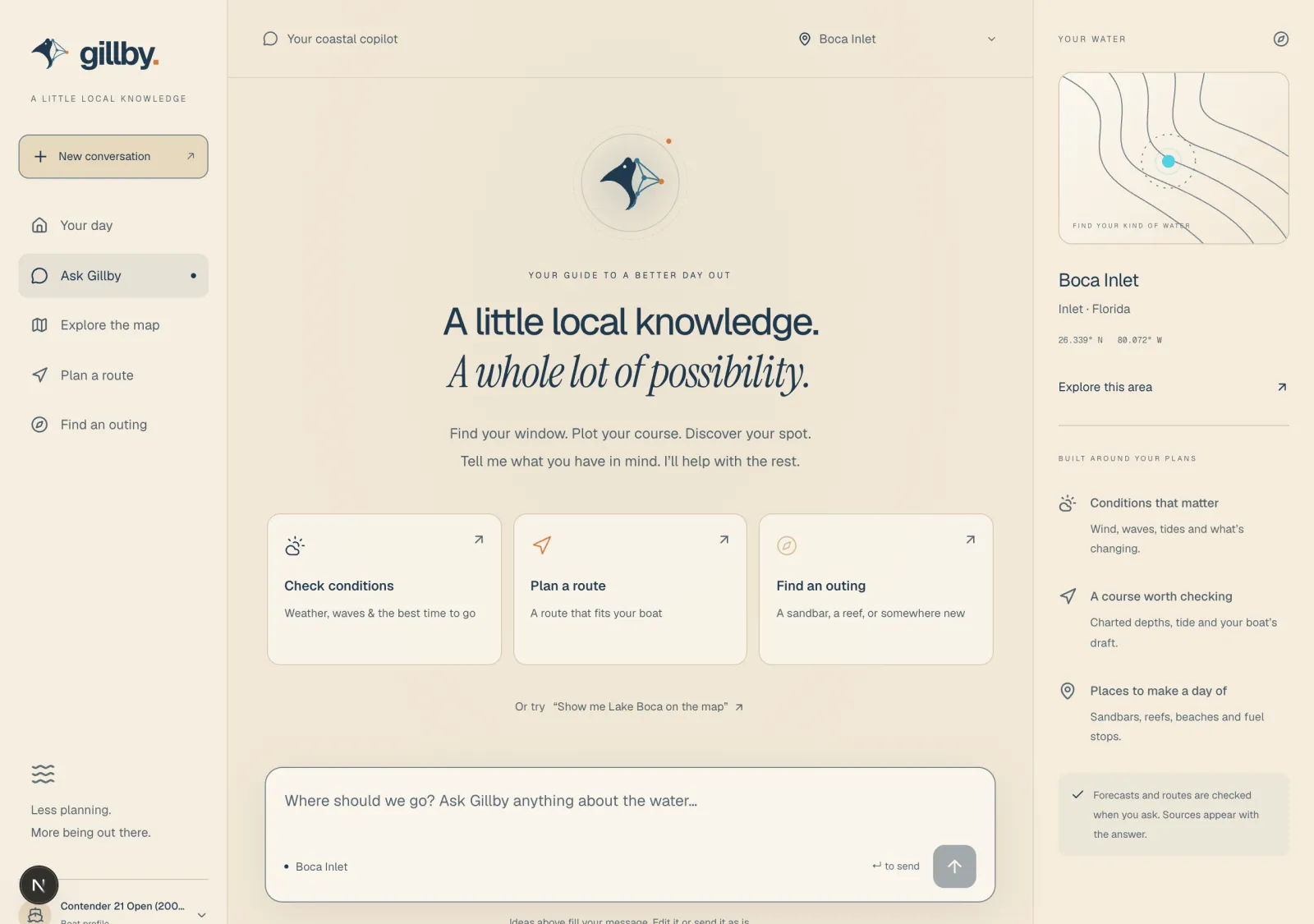
Curious how this works under the hood? Read what a headless water app is.
Quick answers
Do I need a Gillby API key?
No. Public water tools need no key and no sign-in. Personal tools like your saved boat use a separate sign-in.
How do I connect Gillby to ChatGPT or Claude?
Copy the MCP server URL from the Gillby connection guide, add it as a custom connector, save it and turn it on in a new chat.
Why do I see text instead of a panel?
The panel depends on whether your app supports MCP Apps. Text answers from Gillby still mean the connection works.
Connect once. Ask a real question.
The guide has the URL, setup steps and a test question for each assistant.
Connect your AISomething missing for your water? Tell me.